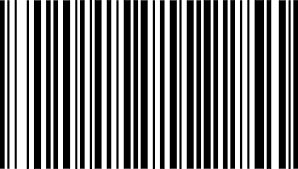
What is a Barcode Generator?

A barcode generator is a tool that allows individuals to create barcodes easily. It facilitates users to customize barcodes for product labelling, inventory management, asset tracking, and more. BillnBooks barcode generator tool opens the gateway for convenient and efficient ways for businesses to generate barcodes online.

Barcode Generators don’t need any specialised training or expertise. Without any training, you can generate various types of barcodes at scale. The barcode type typically depends on the application of the barcode.

Generate Barcode

Choose your Data Type

Enter your value

Here’s your Barcode

code128
Barcode Technology

Types of Barcode Generators

Choose the right barcode format for your business. From traditional 1D barcodes to advanced 2D codes, each type serves different identification, tracking and data needs.

Linear Barcode

1D Barcode Generator

1D barcodes are traditional linear barcodes commonly used on retail products, inventory items and labels. They store information using horizontal bars and spaces.

01Types of 1D Barcodes

Code-128

Compact and versatile format capable of storing numbers, letters and special characters.

Code-11

Primarily used for numeric information, particularly in inventory applications.

Code-39

Commonly used in industrial applications, asset tracking and inventory management.

Code-93

A denser alternative to Code-39 for applications requiring more data in less space.

02Key Features

  • Simple and easy to generate.
  • Ideal for basic product identification.
  • Suitable for retail and warehouse inventory.
  • Stores compact amounts of information.

03Common Use Cases

  • Product Labelling
  • Library Management
  • Inventory Tracking
2D CODE

2D Barcode Generator

2D barcodes store information both horizontally and vertically, allowing them to hold significantly more data than traditional linear barcodes.

01Types of 2D Barcodes

QR Code

A widely used 2D format capable of storing URLs, contact details, payment information and other digital data.

02Key Features

  • Stores more data than traditional 1D barcodes.
  • Supports URLs and alphanumeric information.
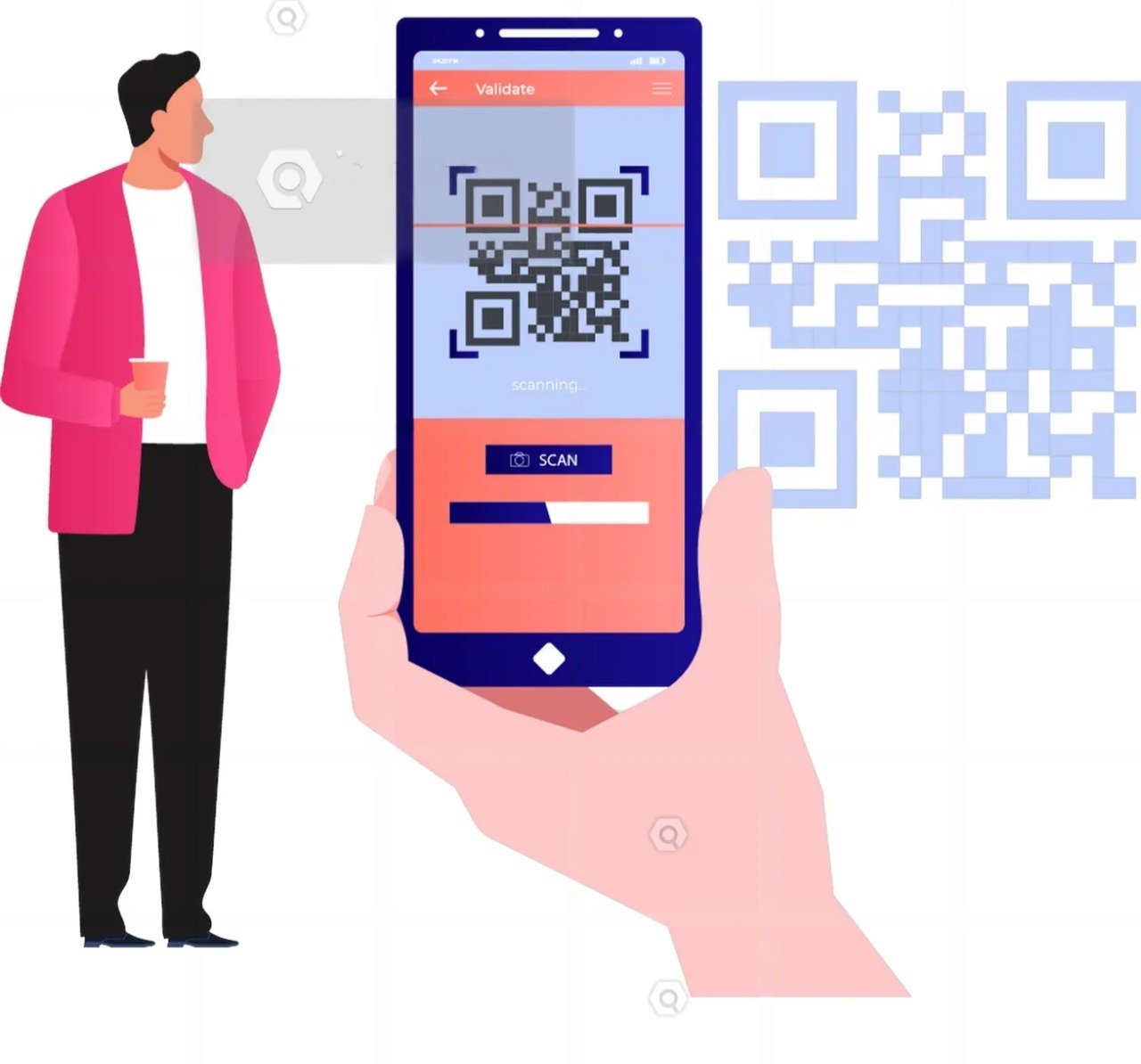
  • Easily scanned using smartphone cameras.
  • Useful across logistics, marketing and healthcare.

Common Use Cases

  • Marketing
  • HealthcareEvent 
  • Ticketing

How to Use a Barcode Generator

Here are the step-by-step instructions to use BillnBooks barcode generator online :

Step 1
Choose a Barcode Type :

Decide which type of barcode is required, based on your product or information requirements.

Step 2
Enter the Data :

Feed the information in BillnBooks barcode generator online that you want to encode, such as product ID, SKU, or website URL (in case of QR codes)

Step 3
Generate Barcode :

Once you have entered your data, click the “Generate” button. The generator will create the barcode in a downloadable format.

Step 4
Download the Barcode :

With BillnBooks barcode generator, you can download the barcode in either PNG or SVG

Barcode Generator

Create barcodes instantly
and simplify your workflow

Generate professional barcodes quickly and effortlessly for your products, inventory, labels, and business needs.

Generate Your Barcode
Generate
Instantly
Print
Ready
Product
Friendly

How to Choose the Right Barcode Generator

Deciding on the appropriate barcode generator code to use in your business might be hectic, considering the available alternatives in the market. The following are the things you should remember before choosing the right barcode generator online

User Interface

User Interface

Choose a barcode generator that is easy to navigate. The simpler the interface, the quicker you will be able to generate barcodes for your products.

 

User Interface

Cost

While most barcode generators online are free, some charge a nominal fee for added customisation. If you require it, you may consider a paid barcode generator. However, for most businesses, a free barcode generator is more than enough.

User Interface

Customisation Options

If the branding is important for your business, you should consider the barcode generator with colour customisation.

User Interface

Support and Features

Check if your preferred barcode generator provides additional features or allows you to print the labels directly.
Download Barcode

Download Barcode

It is easy to download generated barcodes from the BillnBooks barcode generator. Once you have generated your barcode online, it is possible to download it in various formats, including PNG and SVG. Make sure you download the barcode in the right format according to your requirements, whether you want to print it on a label, to use it in a product catalogue or integrate it into your website. SVG format is recommended so that the graphic designers can easily fit it in the required size.

GST Ready

100% Compliant

Secure Cloud

Your data is safe

Real-Time Reports

Better decisions

24x7 Support

We are here anytime

Trusted by Businesses

Across India