GSTR-1 Filing Software for Faster GST Compliance
Cut the complexities and simplify your Filing Experience!
- One-stop solution for GSTR Filing
- Hassle-free Data Import
- File Returns within a few Minutes

Cut the complexities and simplify your Filing Experience!
We deliver tailored solutions to meet your tax filing requirements. Our cutting-edge GST return filing software provides ultimate convenience in filing GSTR-1.
Import data seamlessly from Excel file, JSON file, and BillnBooks accounting and billing software effortlessly. It also offers hassle-free data import experience from the GSTN portal for the reconciliation process.
Stay updated with the return filing status like pending, declined, file, etc. for convenience. Avoid missing out on filing due dates and minimize the risk of penalties with timely alerts.
Get notified about changes or announcements in GSTR-1 return laws, procedures, rates, exemptions and other matters related to compliance. Access the latest circulars to interpret rules and policies.
Ensure 100% data accuracy by identifying errors and duplicity in records. Apply validation rules and detect errors at an early stage so that you file GSTR-1 with appropriate data.
Avail a consolidated view of your tax reports on a single screen. The dashboard displays the summary of your financial records on one screen, making it easier to compare and analyze.
BillnBooks GST Return Filing solution offers access to financial records anywhere and anytime with an active internet connection. Ensure smooth filing of GSTR-1 return from any device and location.
We deliver a central hub to check out your compliance at a glance. Unlock your unlimited access to consolidated information on a single platform and generate insights that help you grow.
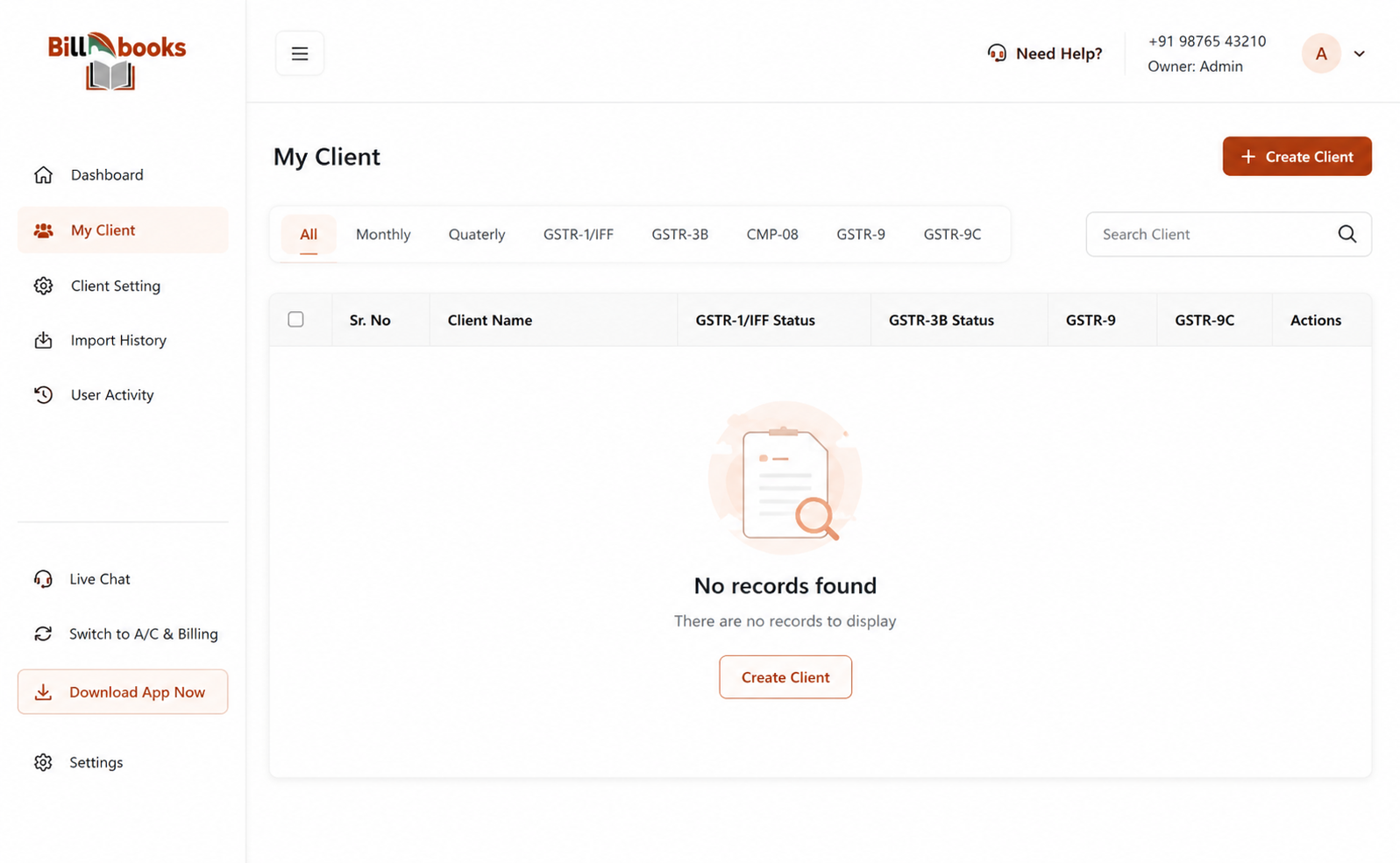
Classify your companies based on monthly or quarterly GSTR 1 return types. Clicking on these classifications will direct you to the company page.
Stay updated about official communication from tax authorities or the government regarding GST laws, rates, procedures, exemptions and deadlines.
Classify your companies based on monthly or quarterly GSTR 1 return types. Clicking on these classifications will direct you to the company page.
Connect with our experts if you encounter issues while filing GSTR 1 returns. Book meetings, email support, live chat, tutorials, or WhatsApp assistance.

BillnBooks facilitates easier data import to the user delivering improved customer satisfaction. Here are 5 ways you can import your data to BillnBooks.
Check out how to file GSTR-1 quickly and accurately with BillnBooks.
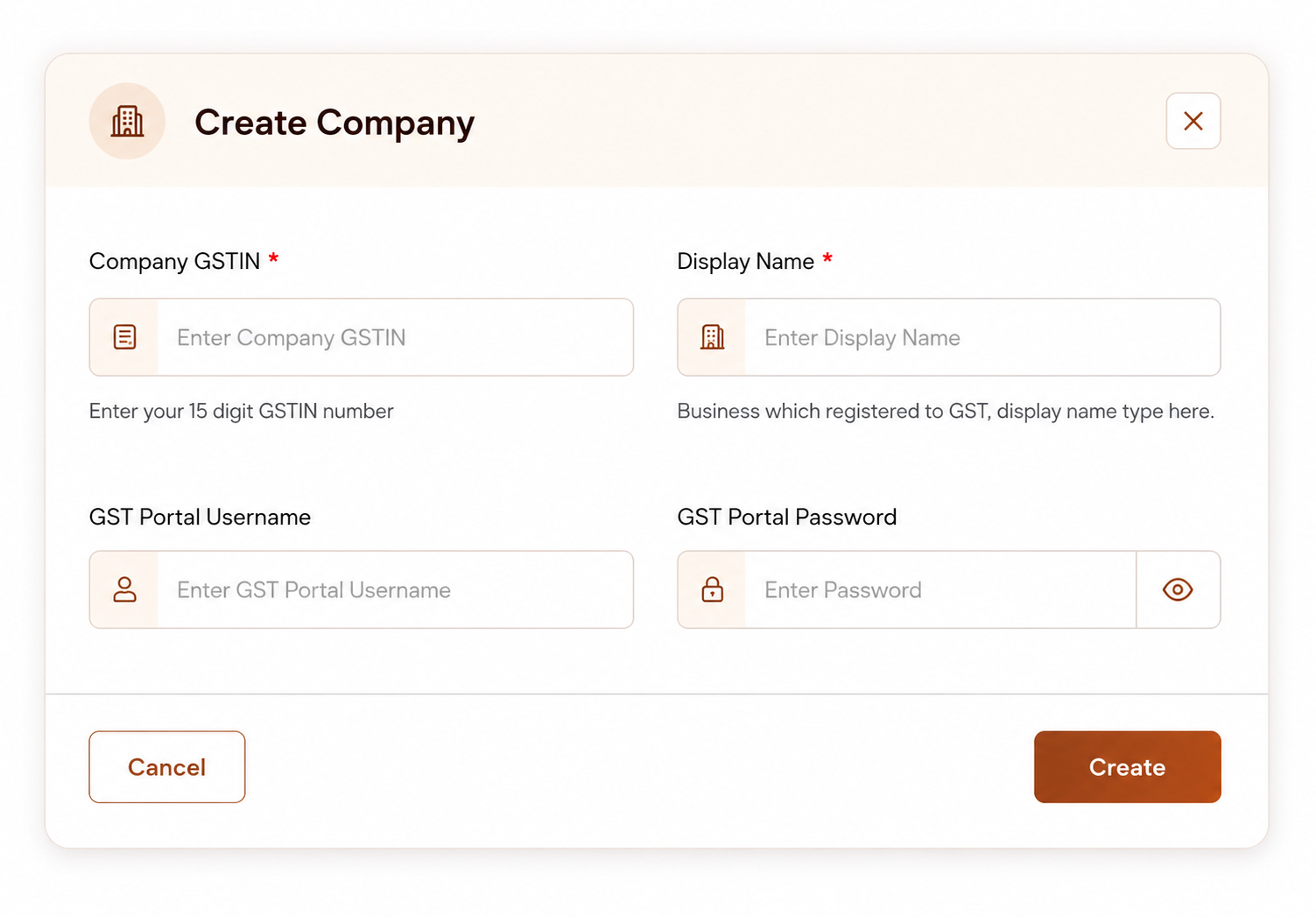
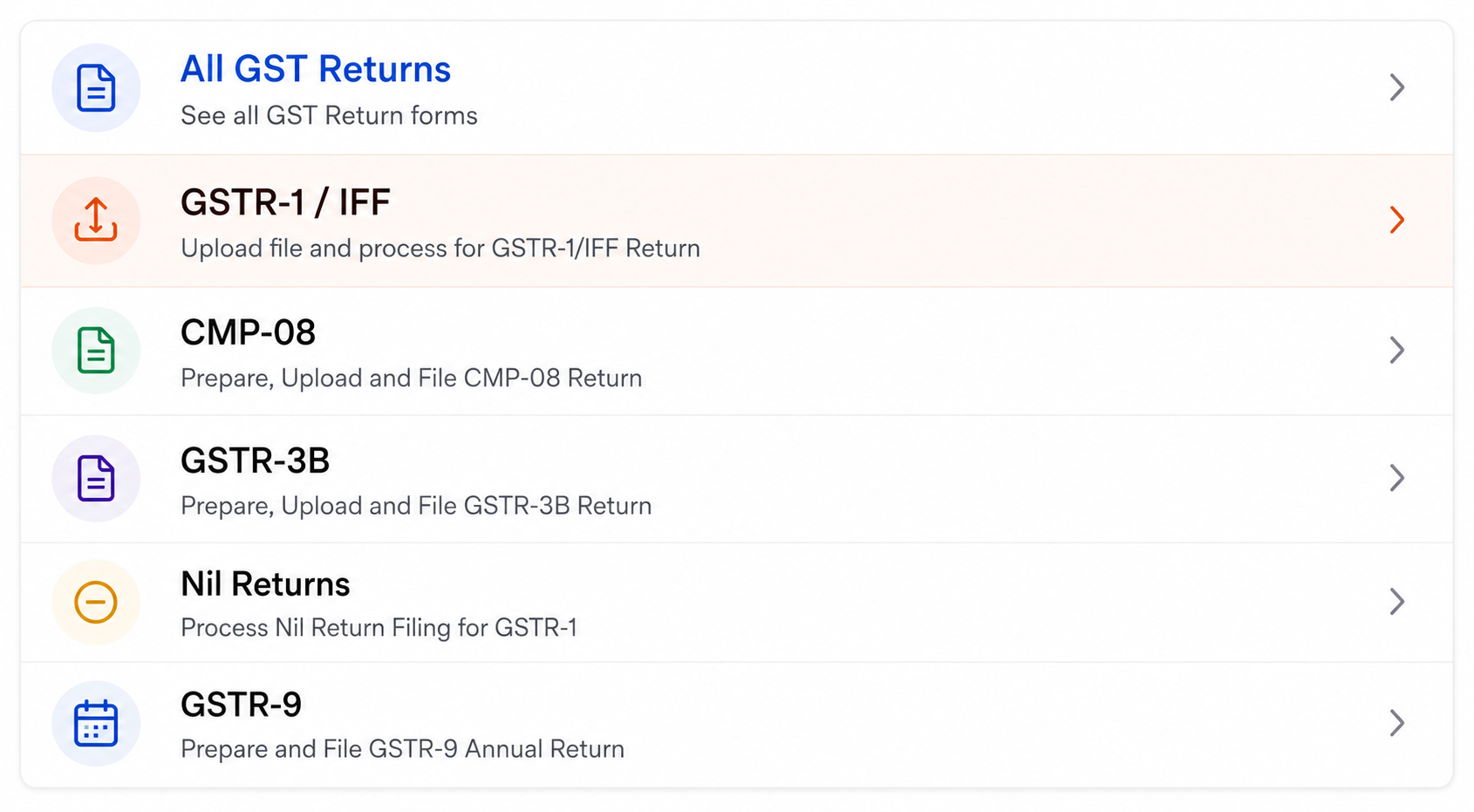
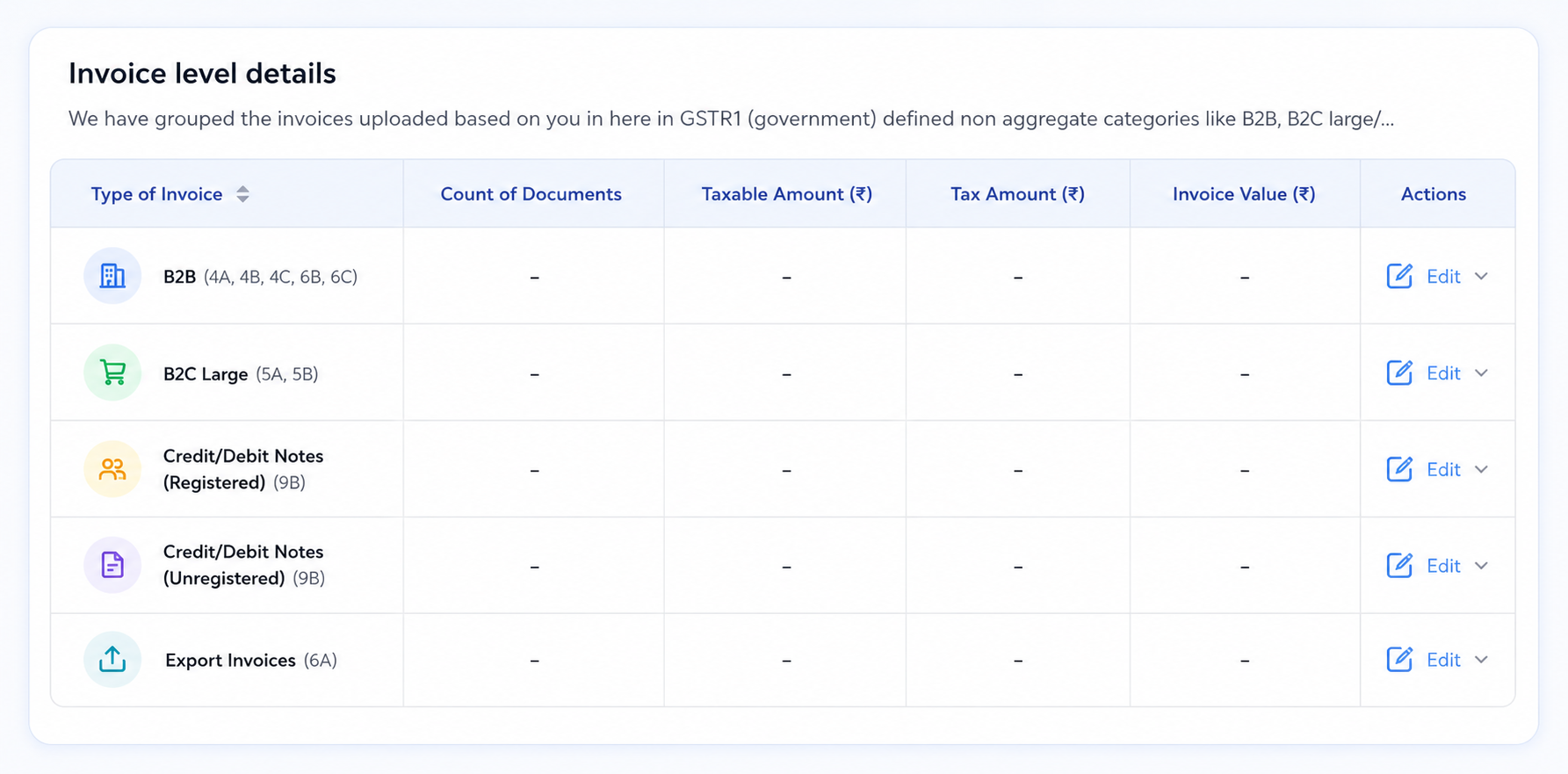
Add invoices manually or import your data in the permitted formats to prepare your GSTR-1 data.
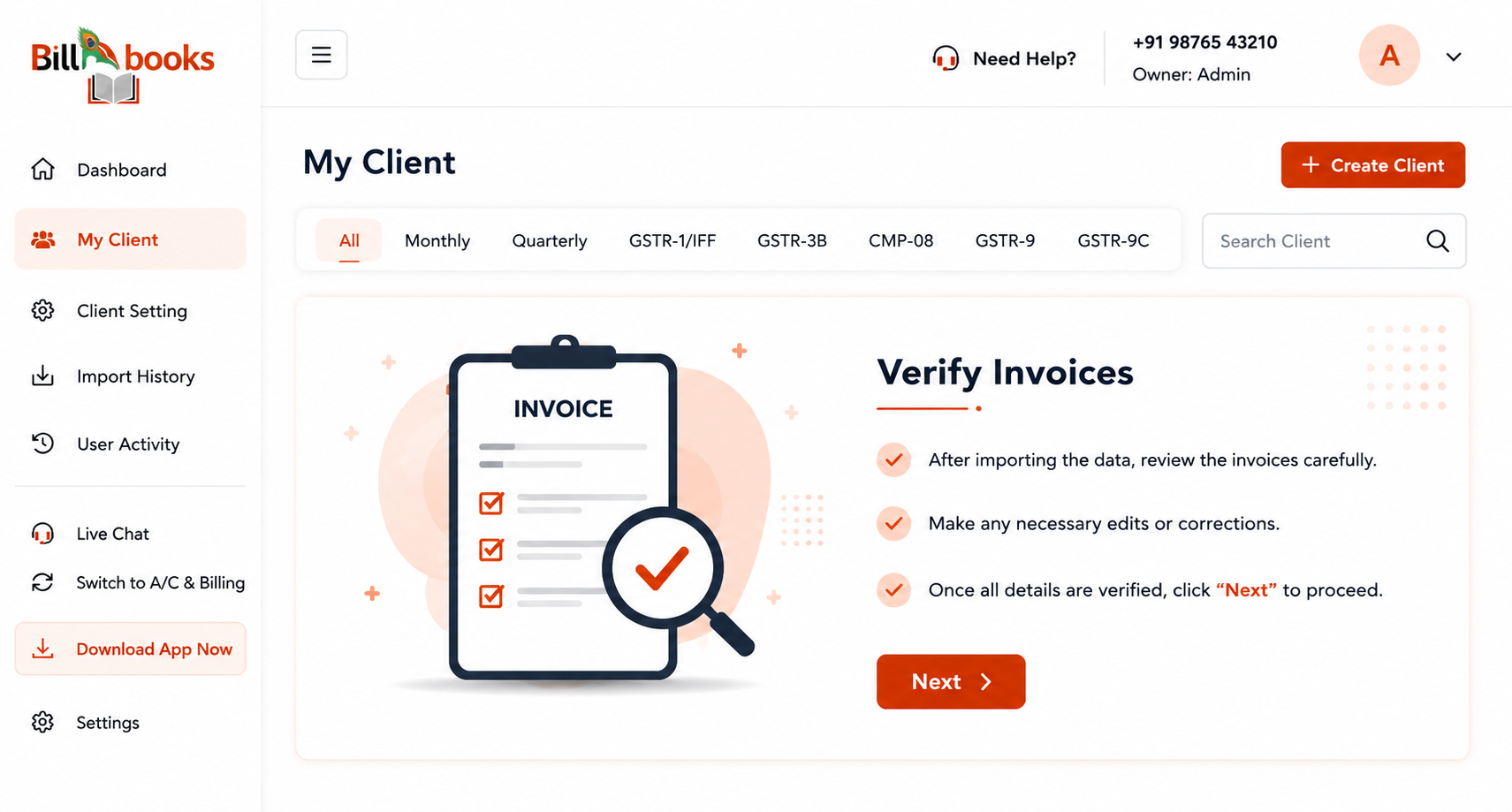
Select whether to upload with OTP or without OTP. Click on "Upload Data" to the GSTN portal and wait for the summary to generate. Once the summary is ready, you can proceed with GSTR 1 filing.
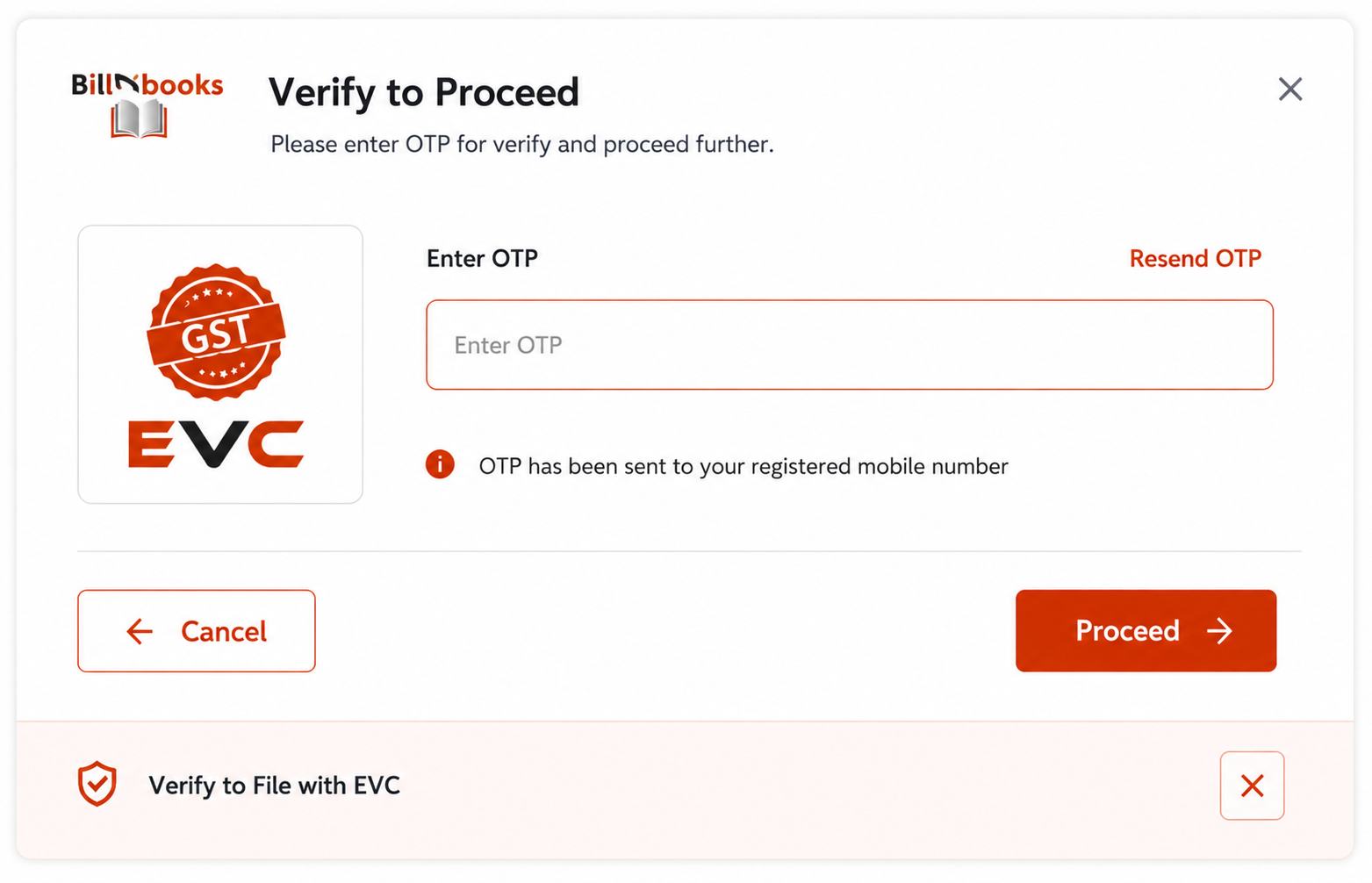
File the GSTR 1 return using either EVC (Electronic Verification Code) or DSC (Digital Signature Certificate). Enter your username and OTP, then proceed with the filing process.
Complete your GSTR-1 filing with confidence using BillnBooks.
We're here to help you with GST, billing, and setup anytime.
No, you cannot revise GSTR-1 after filing. You can correct the errors by adjusting them in the next filing.
Yes, you don’t need to switch to the GSTN portal separately for filing returns. You can directly file from BillnBooks..
Choose a company from the list and click on Return Filing History.
Now, a Pop-up will be displayed; you need to click on return filing status.
Once done, the filing status and the details on when the return was filed will be displayed.
Yes, you can schedule an online personal demo with BillnBooks.
100% Compliant
Your data is safe
Better decisions
We are here anytime
Across India